Cubic
A third-person shooter that takes place inside a cubic level the player can rotate, built solo in Unreal Engine 5.
What I did
- Player character input, movement and shooting.
- Abilities such as Grappling, Level Rotation and the Ultimate.
- The entirety of the AI programming, from behavior trees to cover and navigation.
- The animation suite, UI/UX, audio programming and level design.
To find a solution for this cubic problem
As the sole developer for this game, I worked on many areas, including Audio Programming, Animation Programming, Level Design, and even some UI/UX Programming. The main focus, however, was on Technical Game Design and Gameplay Programming, and that’s what this page demonstrates.
To have a character
A lot goes into creating a character for the player, from perspective to animation work, UI/UX, inputs, character logic, and gameplay mechanics. All these systems work in tandem to give the player a great gameplay feel and gaming experience.
A viewing perspective
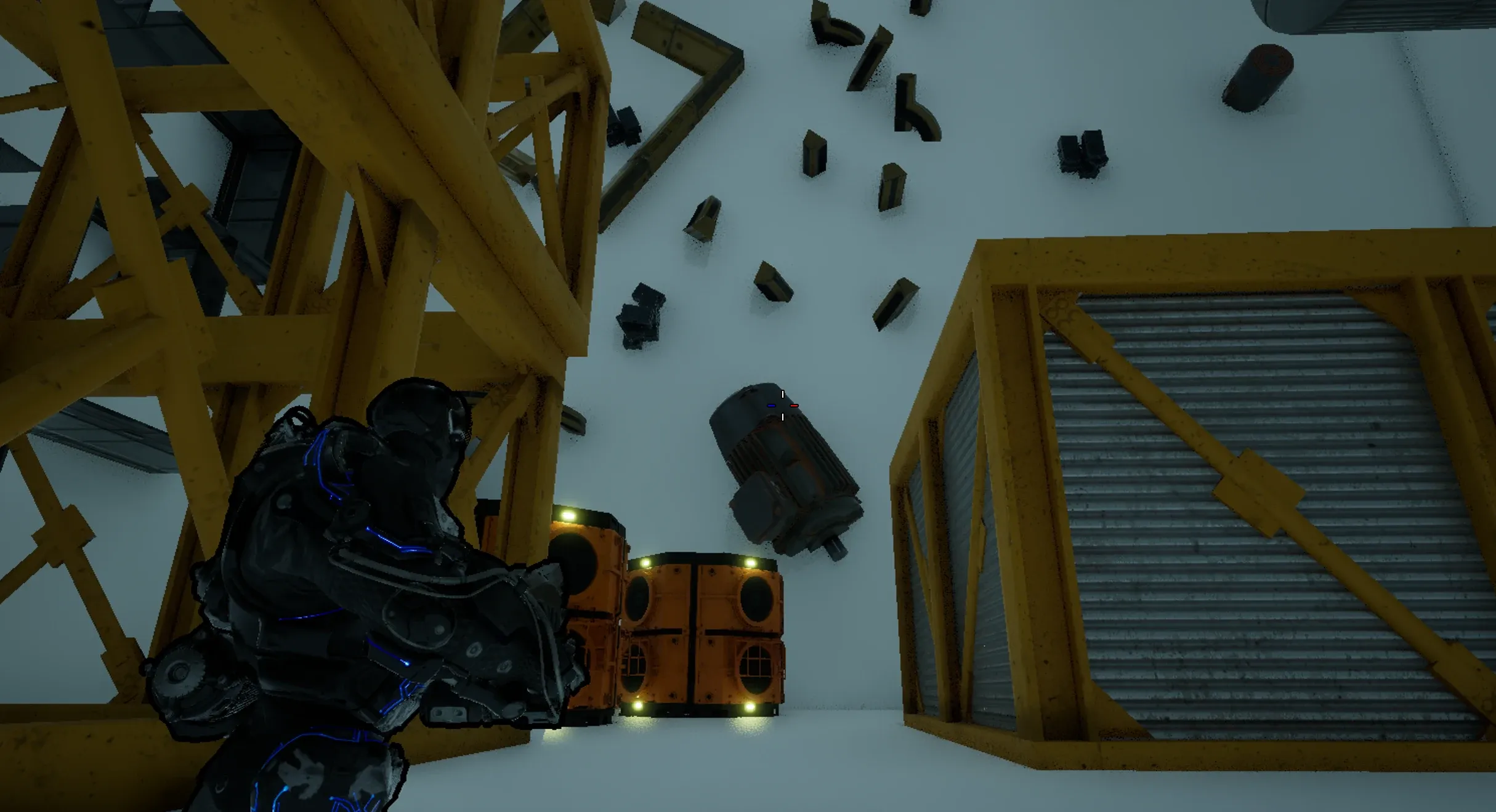
The window through which the player views the world affects many aspects of game design. Some elements are well suited to first-person, but not so much to third-person, and vice versa.
Since one of the main gameplay components of this game is a rotating level, the best way to showcase it is to give the player a wider view of the level around the character, so a third-person perspective was chosen over first-person.
An animation suite
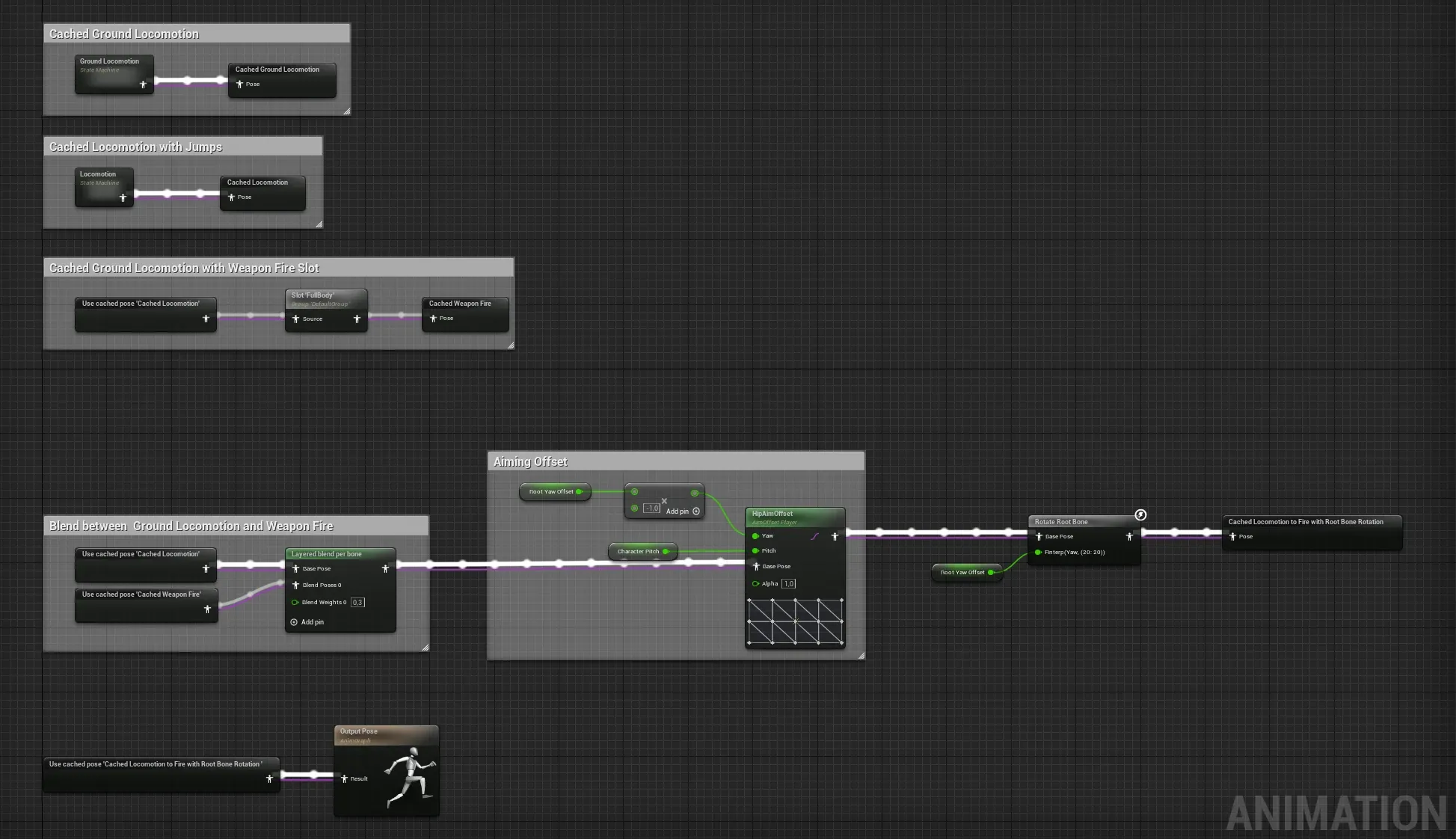
It’s through animation that our characters come alive and perform the actions we, the player, request. Animation sells the characters, the world, and the game in general.
With that in mind, I designed a set of animations, blends, offsets and state machines for an over-the-shoulder third-person shooter. Jumping, Aiming, Walking, Strafing, Shooting and the Ultimate Ability are the main elements of this animation suite.
Reading player input
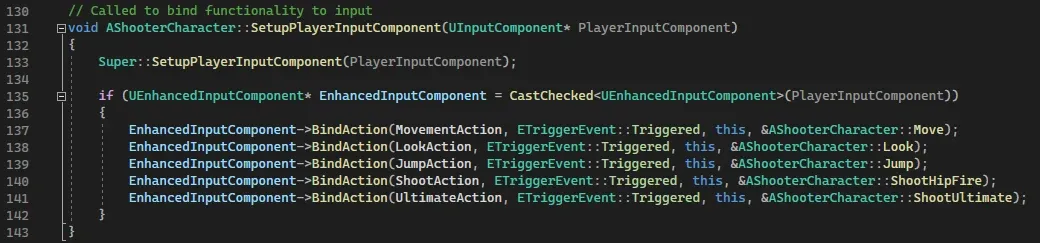
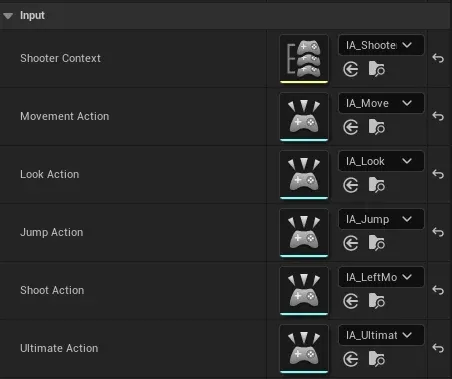
For the player’s inputs to be registered by the game and translated into actions taken by the player character, a small but important number of steps need to take place.
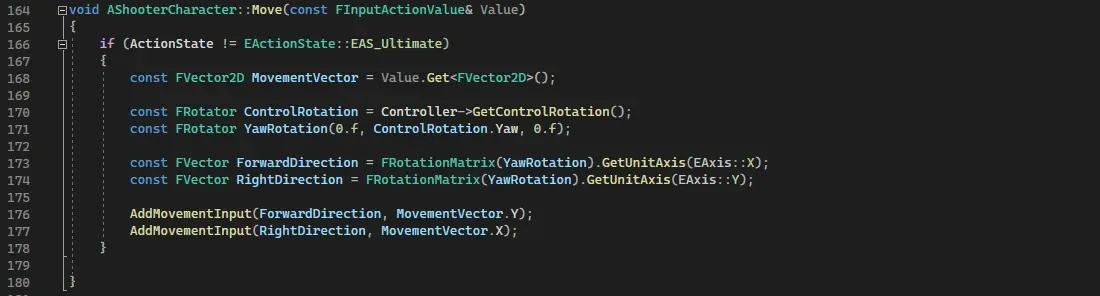
Using Unreal Engine 5’s EnhancedInputComponent, inputs from the player are bound to functions executed by the player character: the WASD keys to movement, mouse movement to looking, the space bar to jumping.
UI: show, don’t tell
To convey essential information to the player, select elements of the game present it effectively and efficiently, without pulling the player’s focus away from the most critical parts of the gameplay.
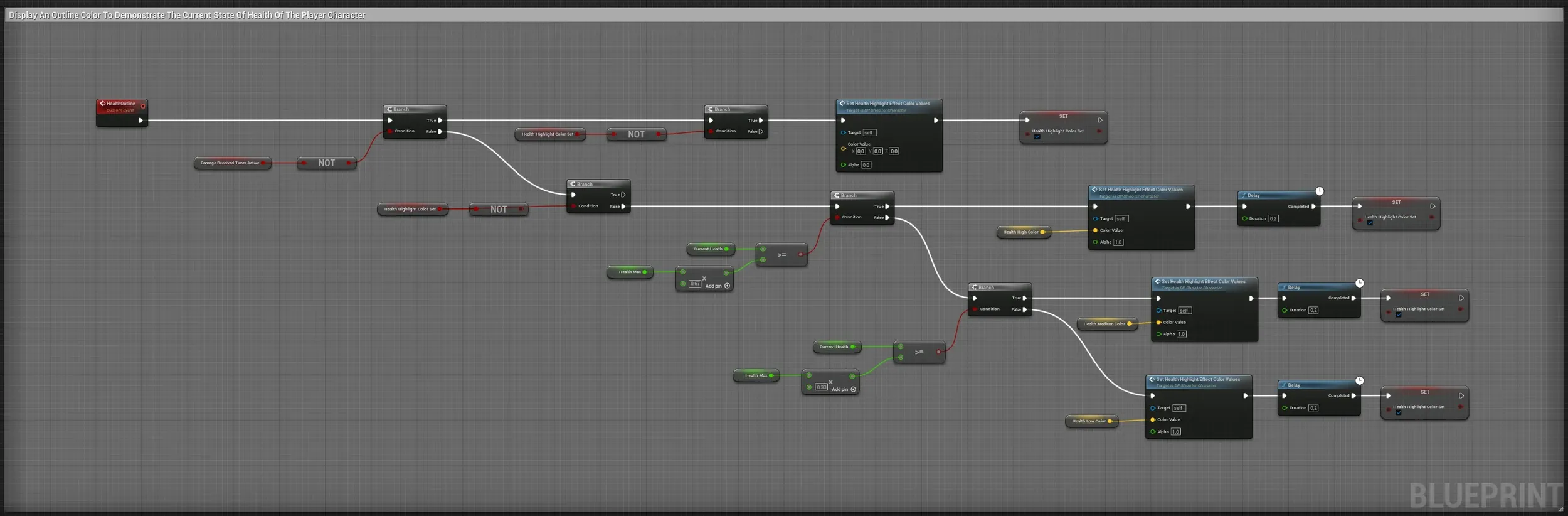
This applies to many mechanics: health, abilities, crosshairs and more. Below, three mechanics (Ultimate, Level Rotation and Health) are presented in a way that reduces the effort needed to check them, so the player stays focused on the action.
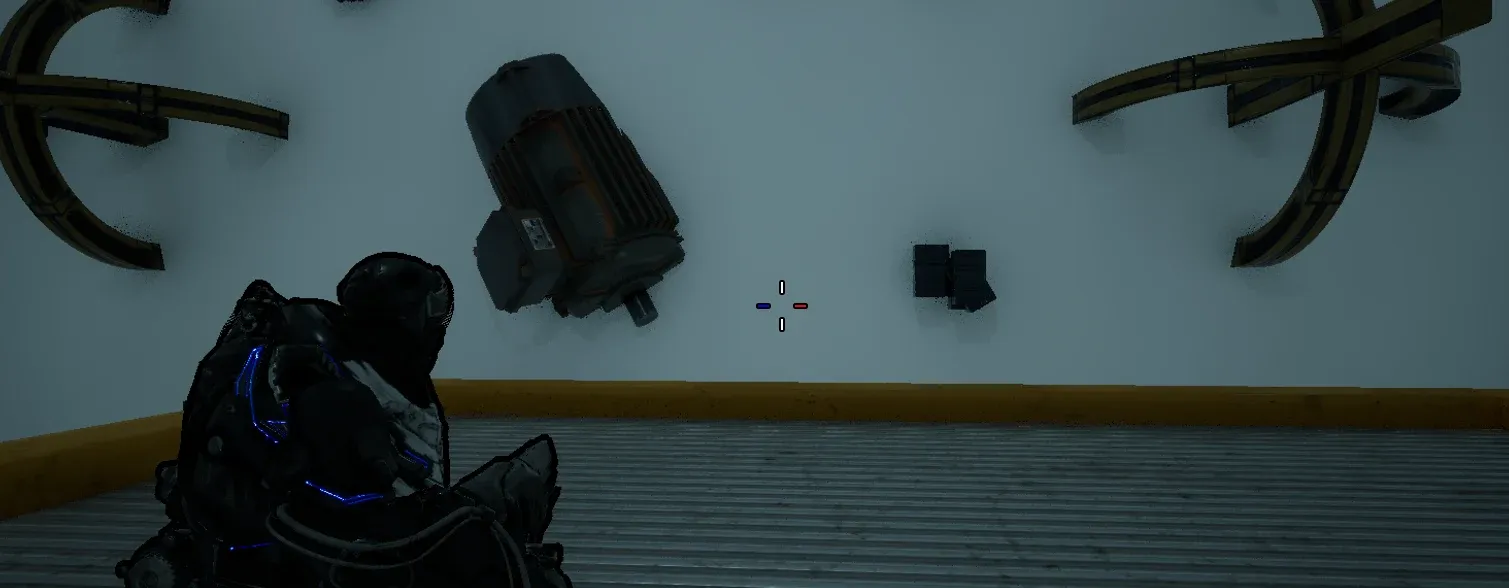
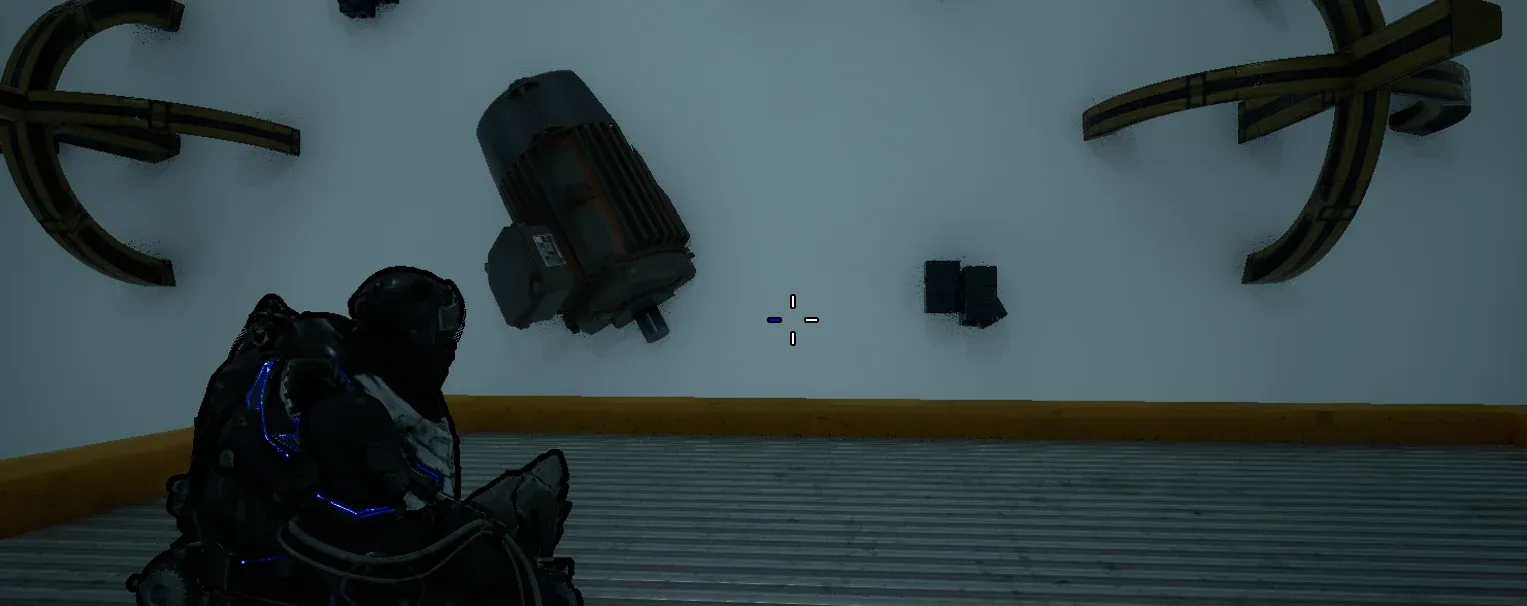
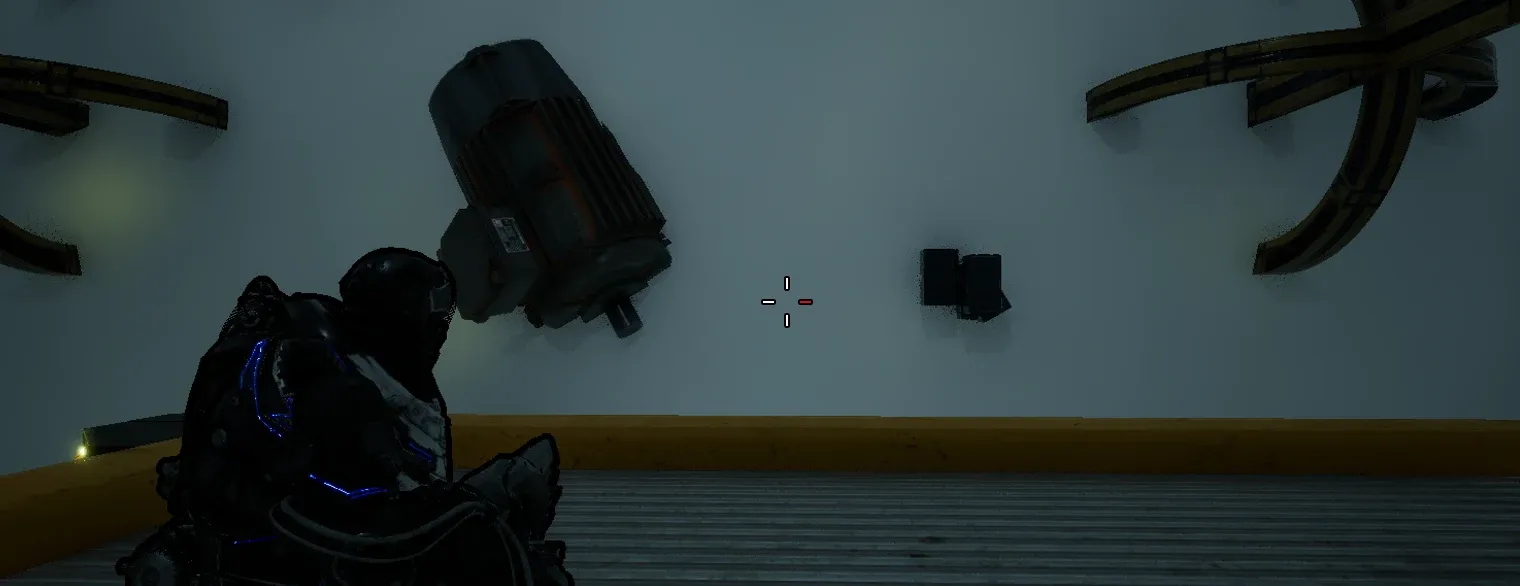
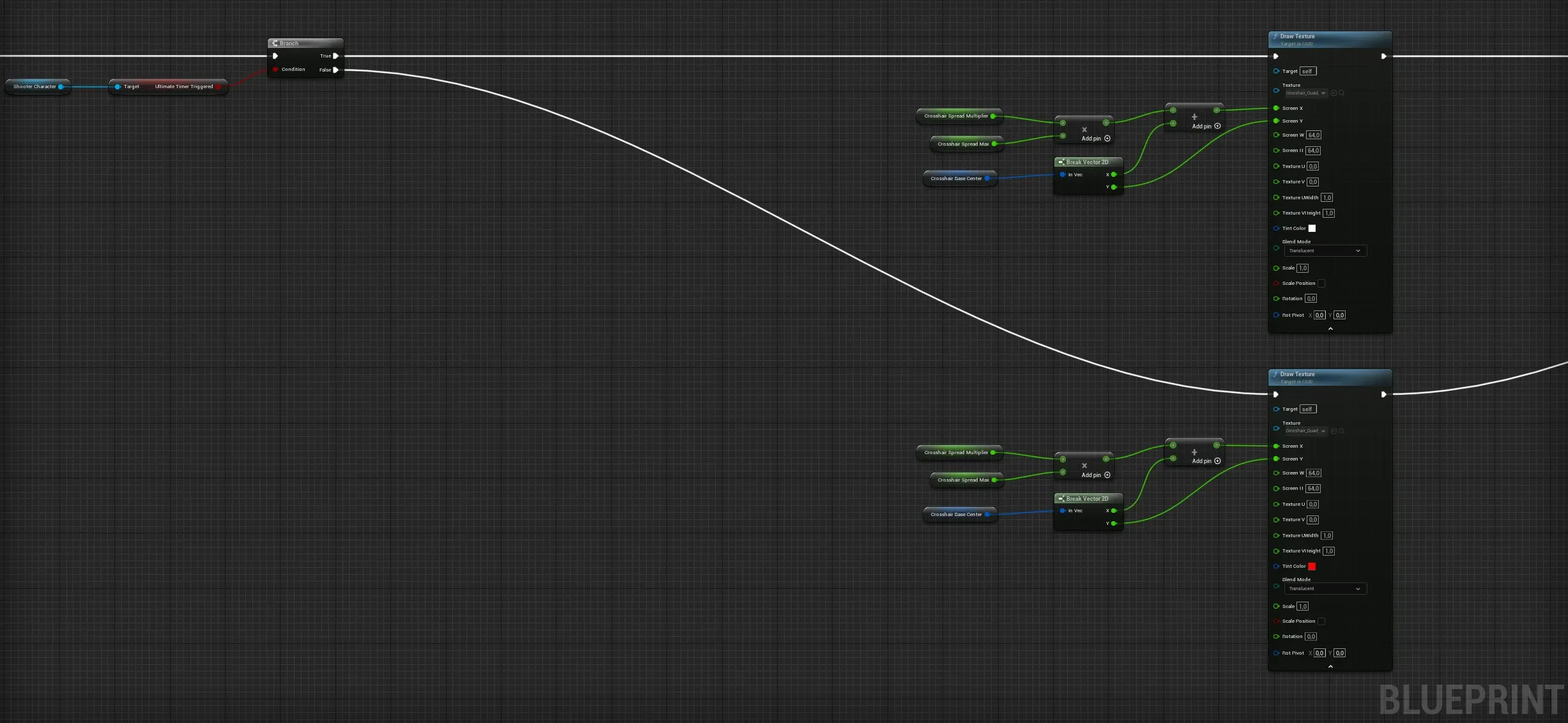
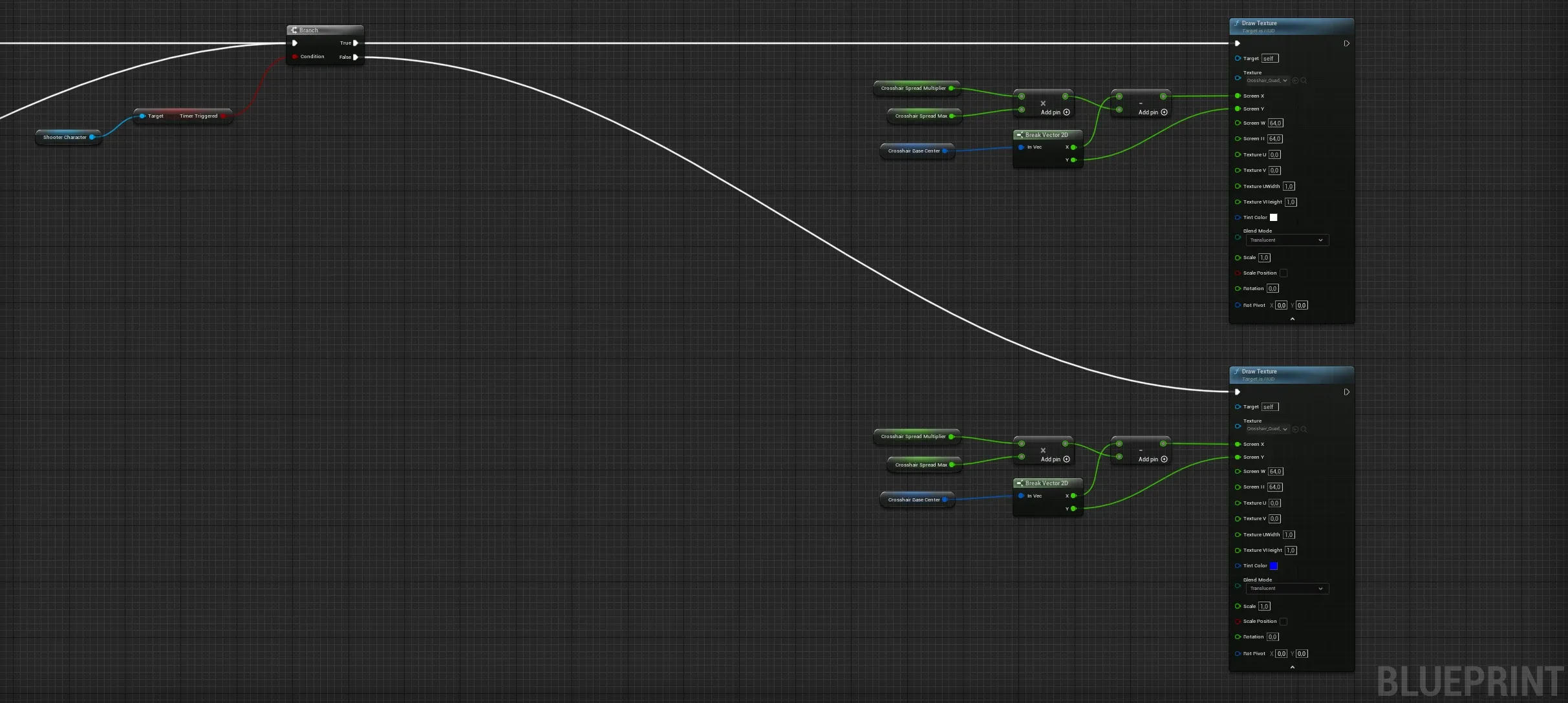
Player character health display
Gameplay mechanics
Gameplay is the bedrock that video games are built on: the interactive element that sets games apart from every other medium. Being this key to the experience, it naturally takes center stage during development.
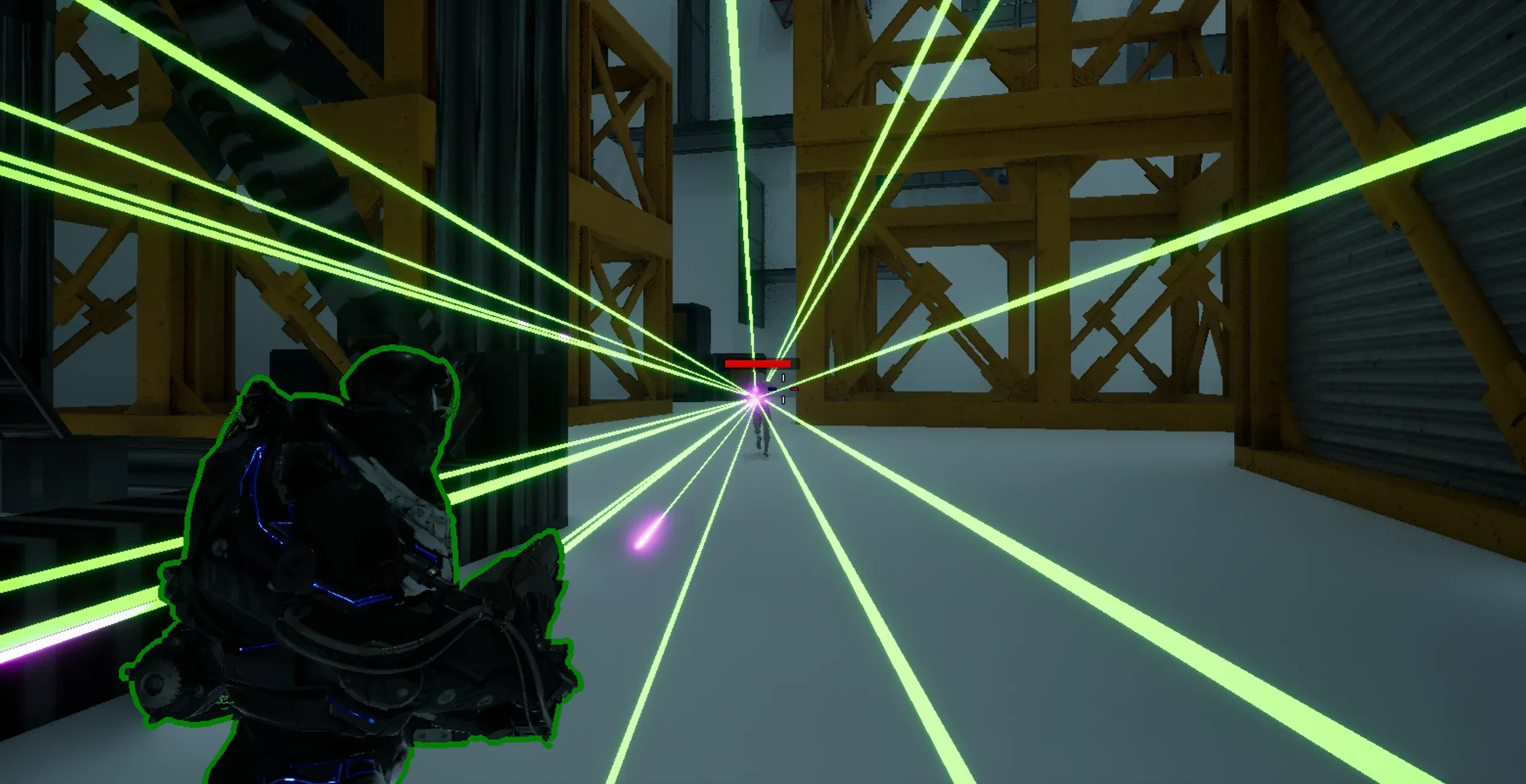
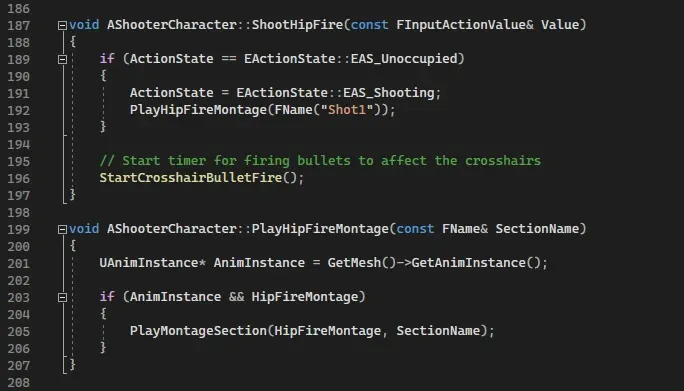
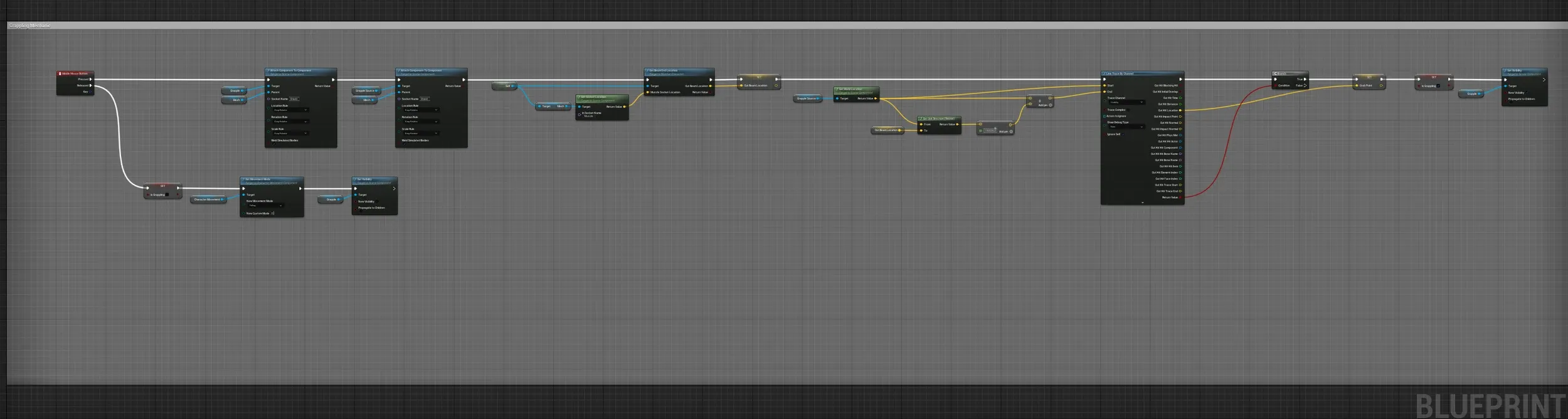
For this game, the focus is on three key mechanics: Shooting, Grappling and Level Rotation.
Shooting and Grappling are fairly self-explanatory. Level Rotation is a gameplay device that gives the player some power over the playing field. By rotating the level, the player not only chooses a different layout to fight in, but also gains a moment to reassess the situation and relocate to avoid losing the battle.

Artificial world, artificial intelligence
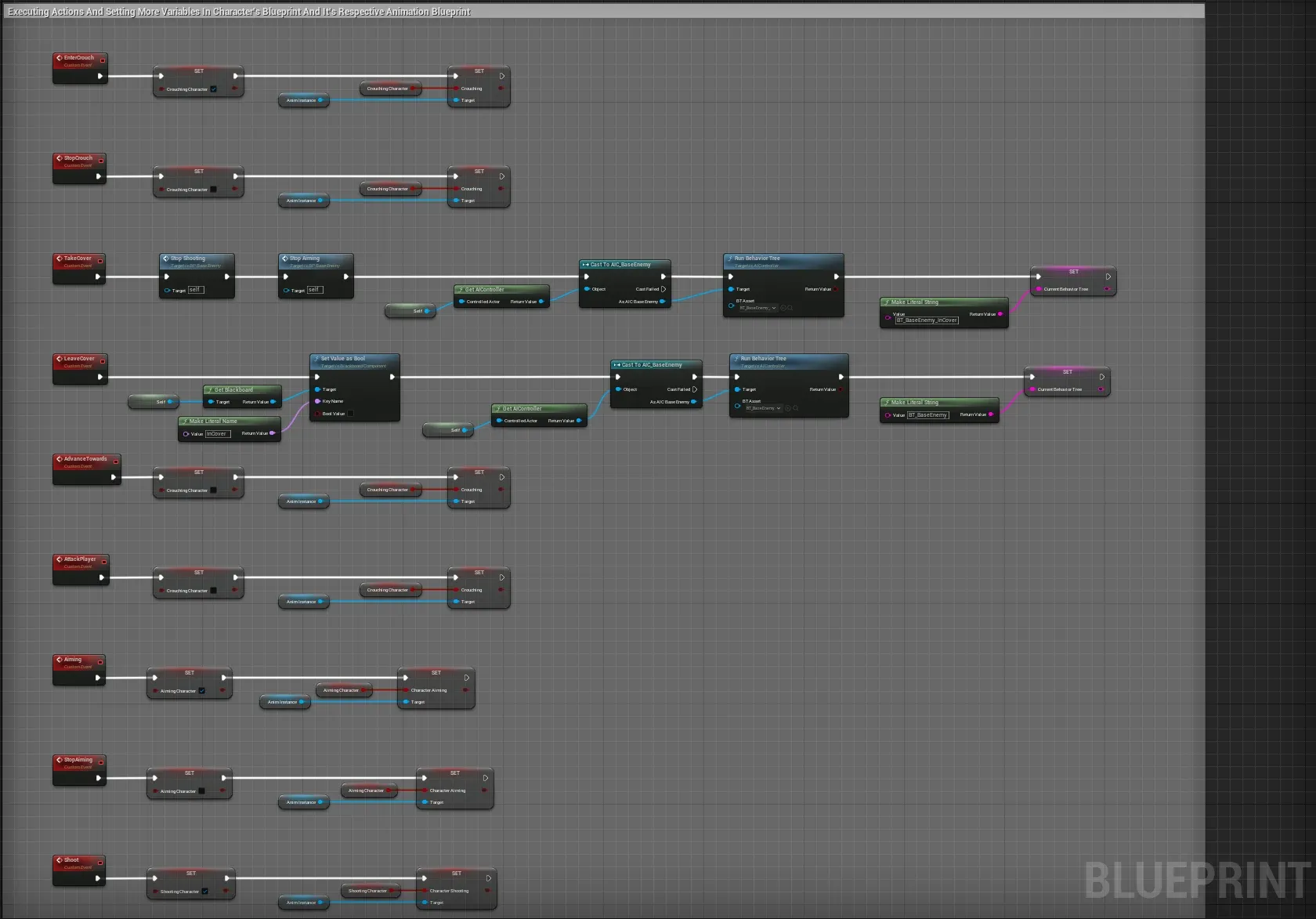
Basic actions
The behavior of the AI can be split into a set of actions that take place at different points, given a set of checks. Most actions are simple by design: Aiming, Shooting, Entering and Leaving Cover, and general Movement such as Patrolling.
Animation work
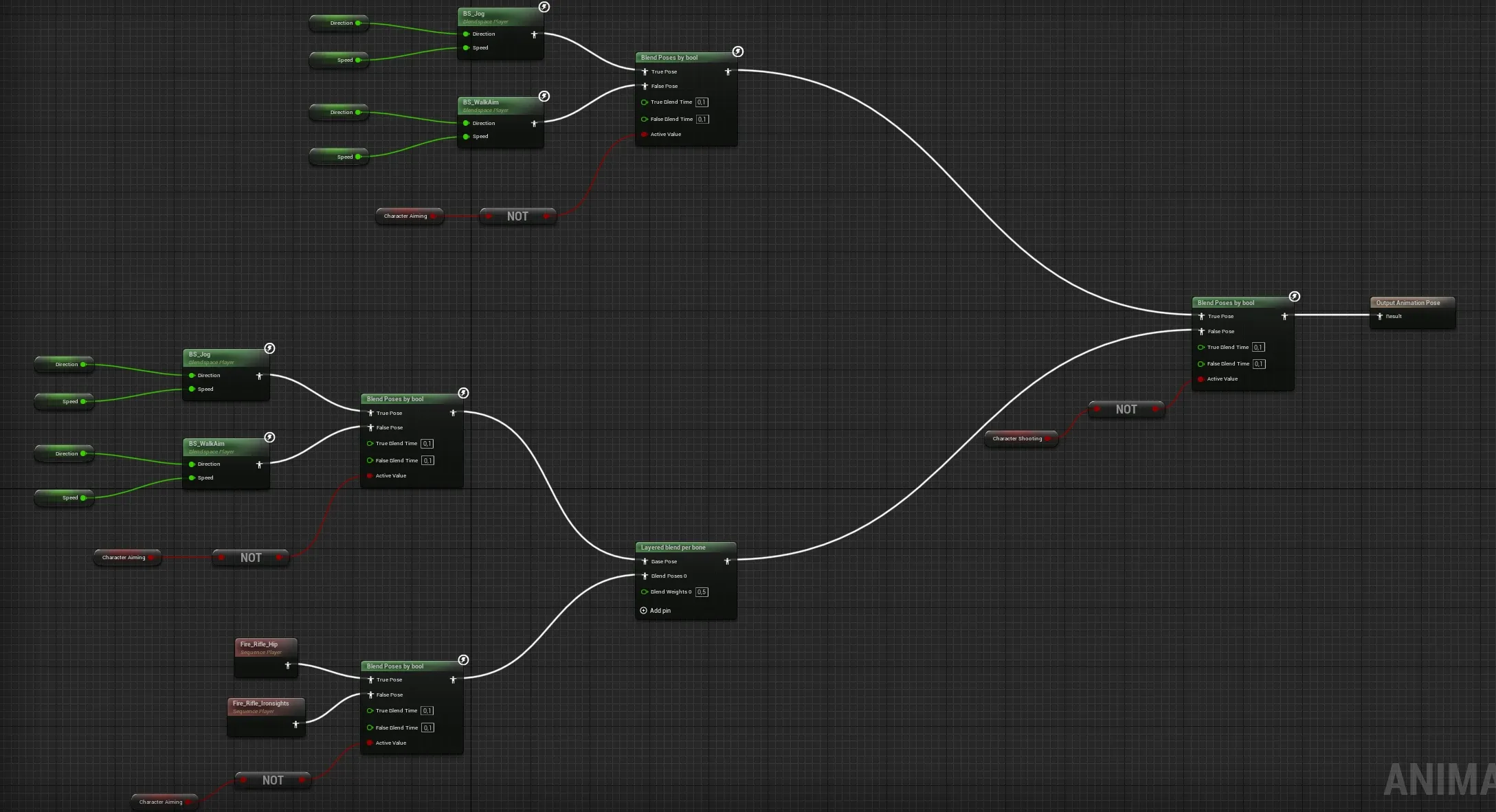
Just like the player character, animating the AI characters is crucial to seamlessly integrate their actions into the game and maintain immersion. Here is how the “Jog” animation state is defined, blending between jogging and jogging while shooting.
Artificial behavior
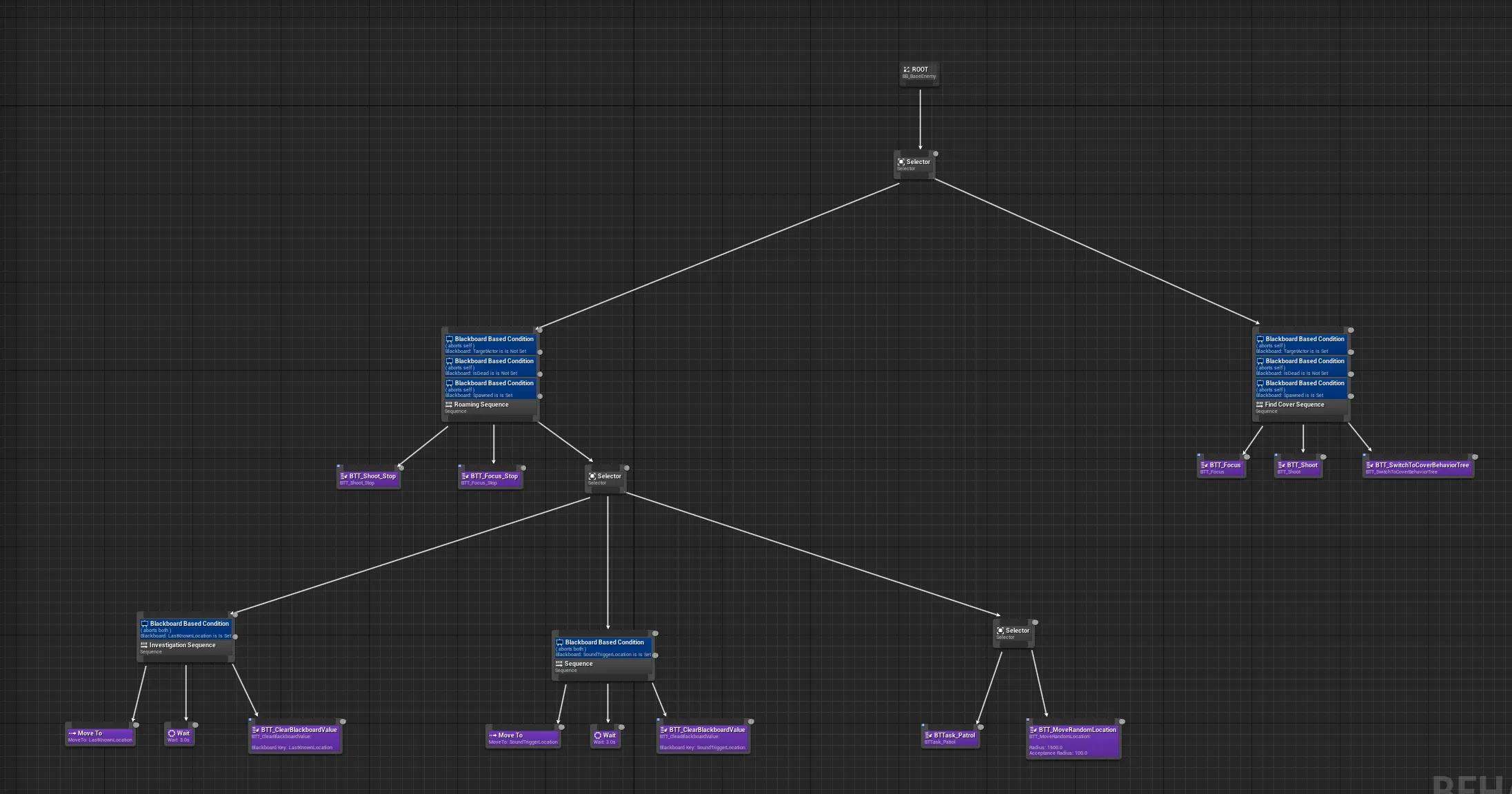
The major building block of AI characters is their behavior: what to do, when to do it, how to do it, and why. Restrictions, conditions, sensory information and internal knowledge affect every decision.
Navigation information
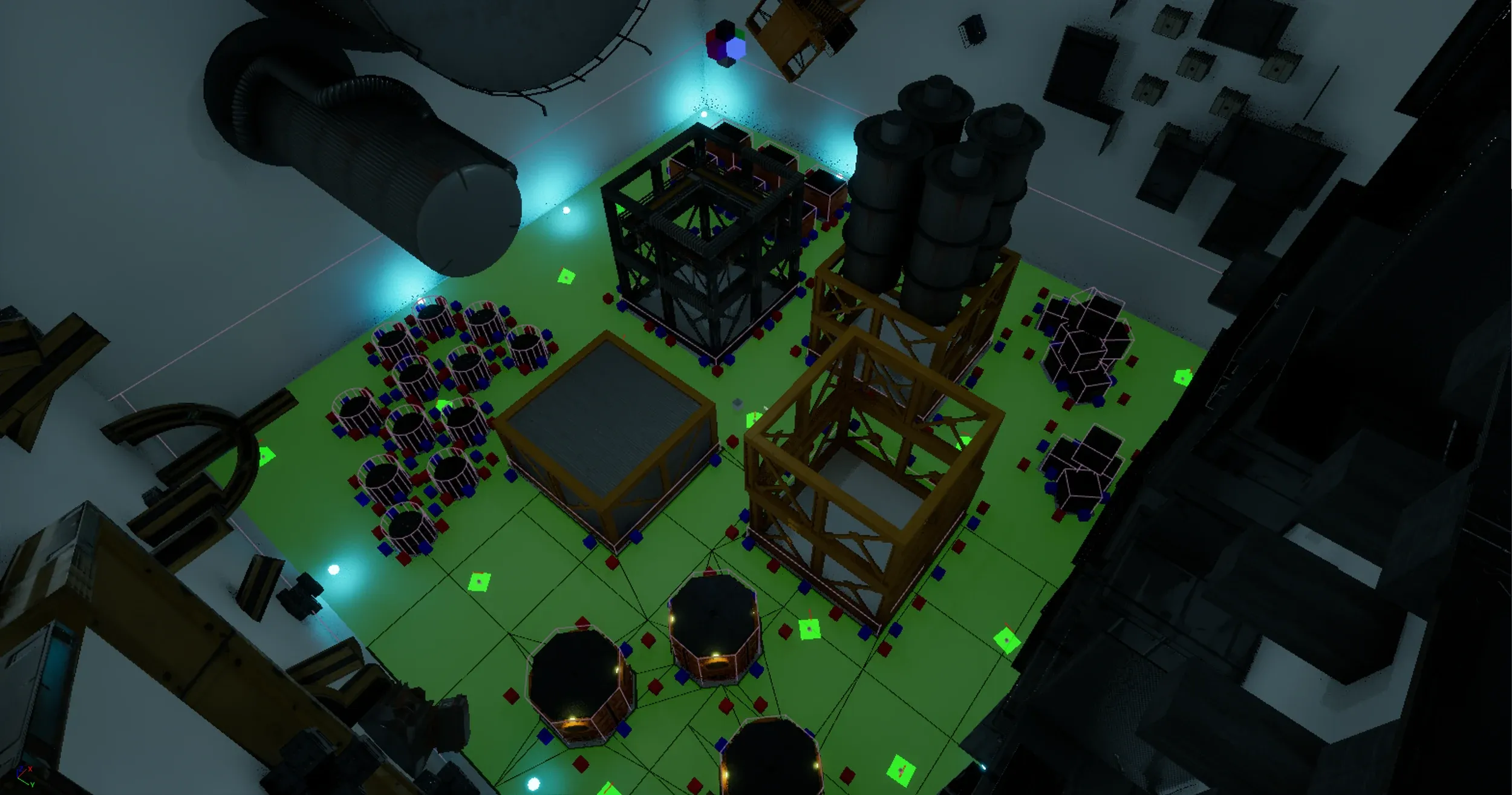
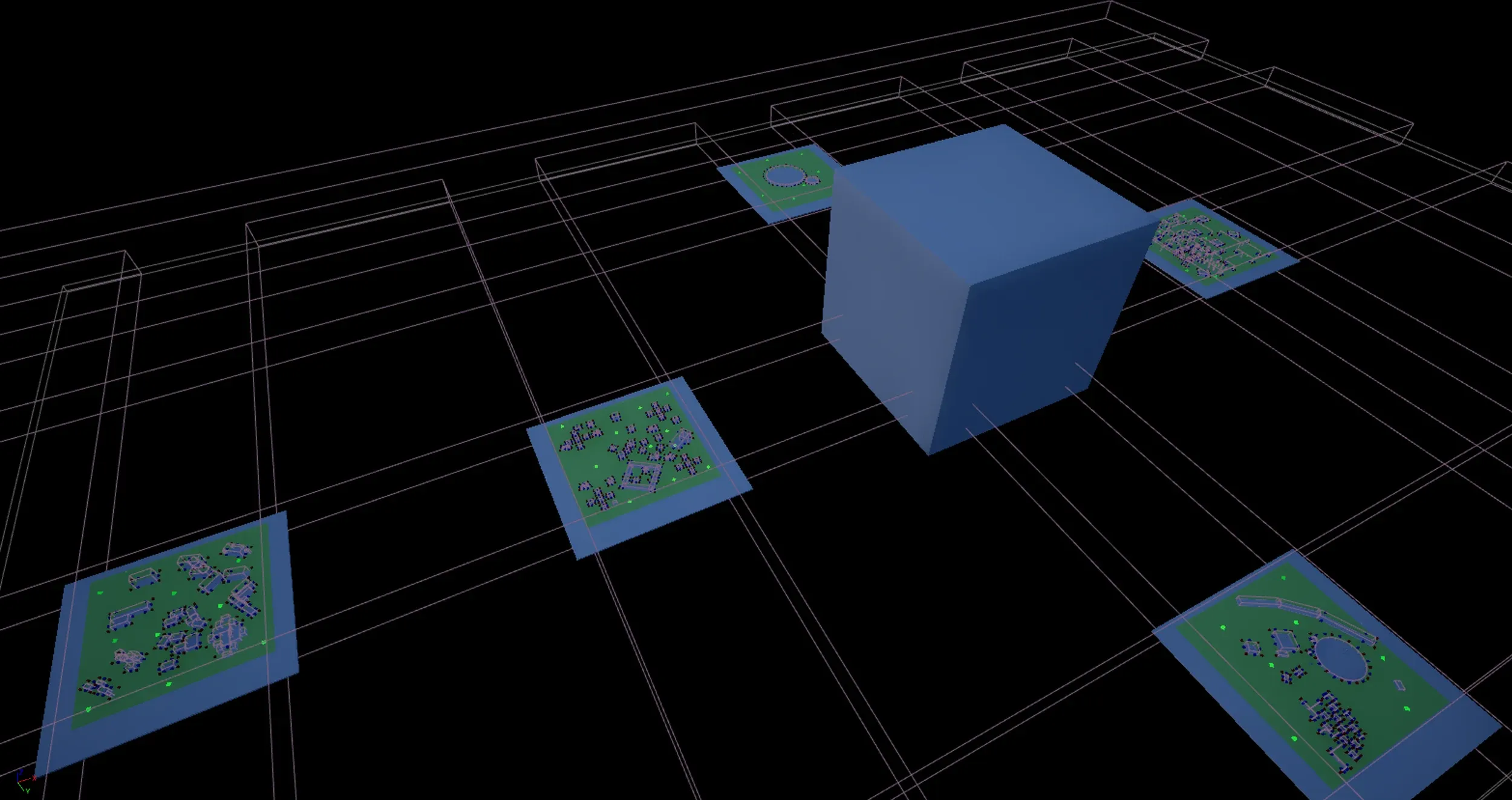
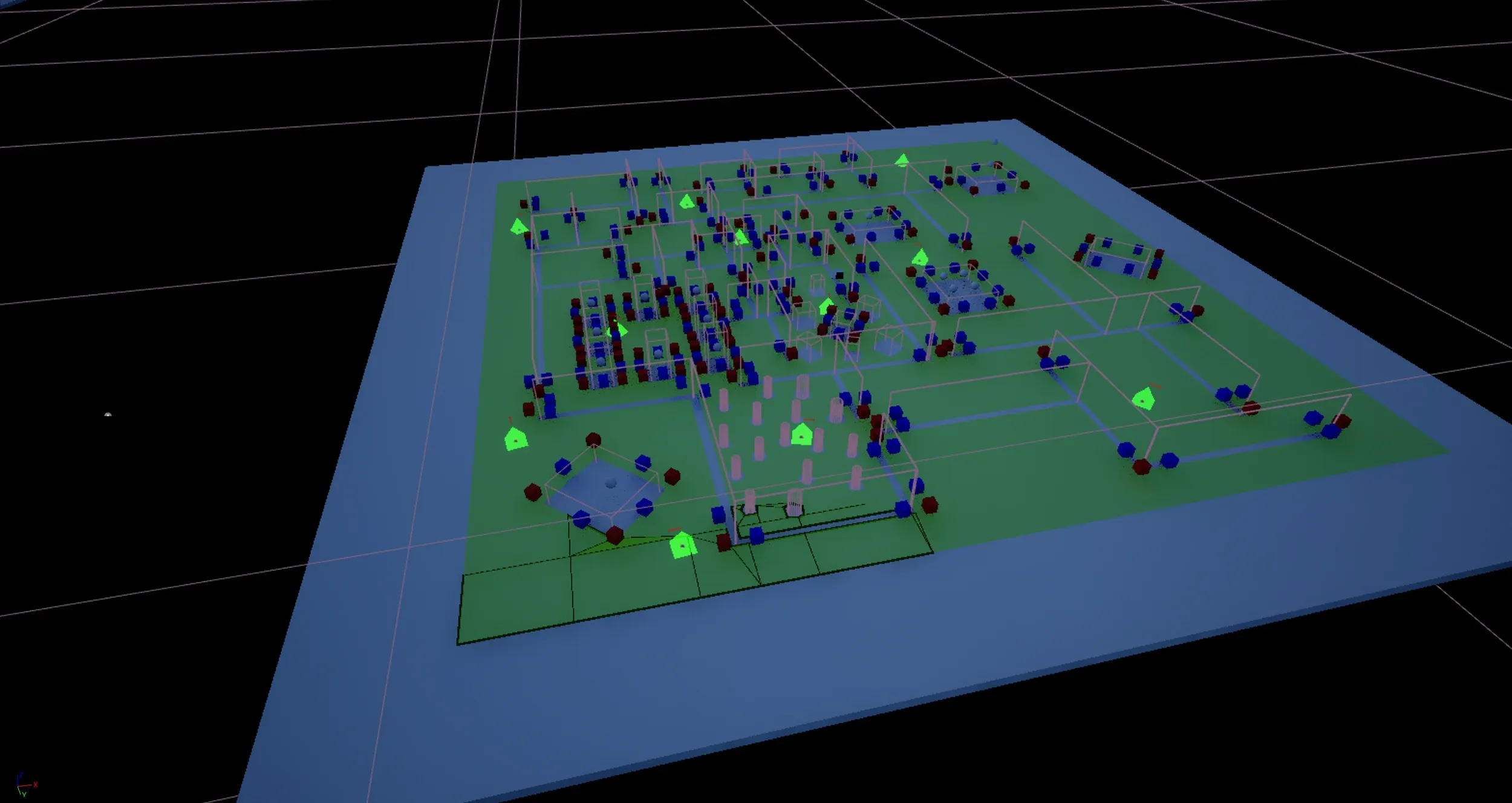
To move, an AI needs the information for pathfinding, patrol points and no-access areas. The cover system was also fed hand-placed points of interest for cover and engagement.
Behavior tree demonstrations
Level design to complete a game
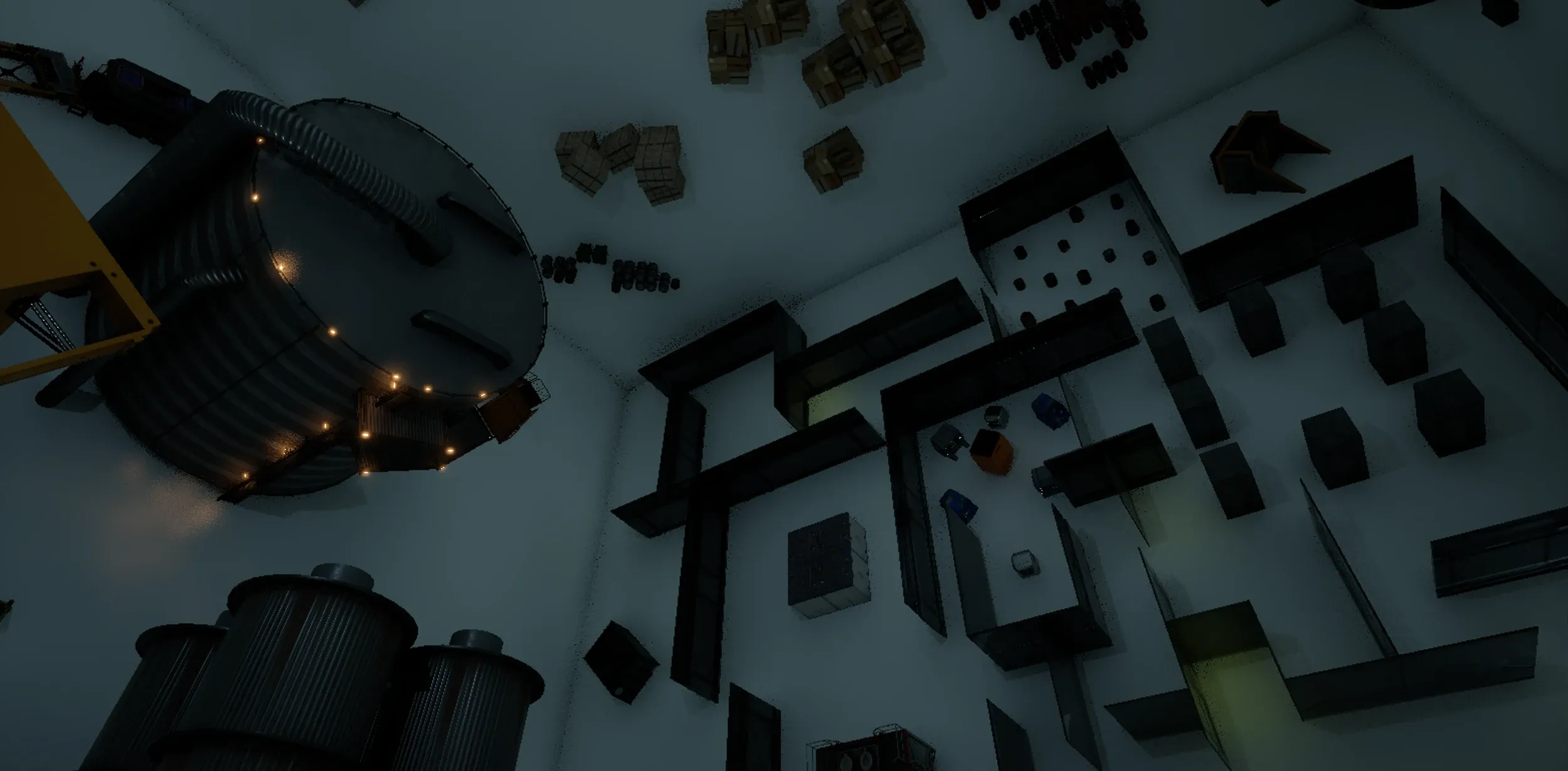
The last piece of this puzzle, the one that shows the whole picture once placed. Mechanics, abilities, perspective and enemies are all designed to serve the level, which itself serves the rest of the game. And the twist, the “extra” mechanic: letting the player control the level.